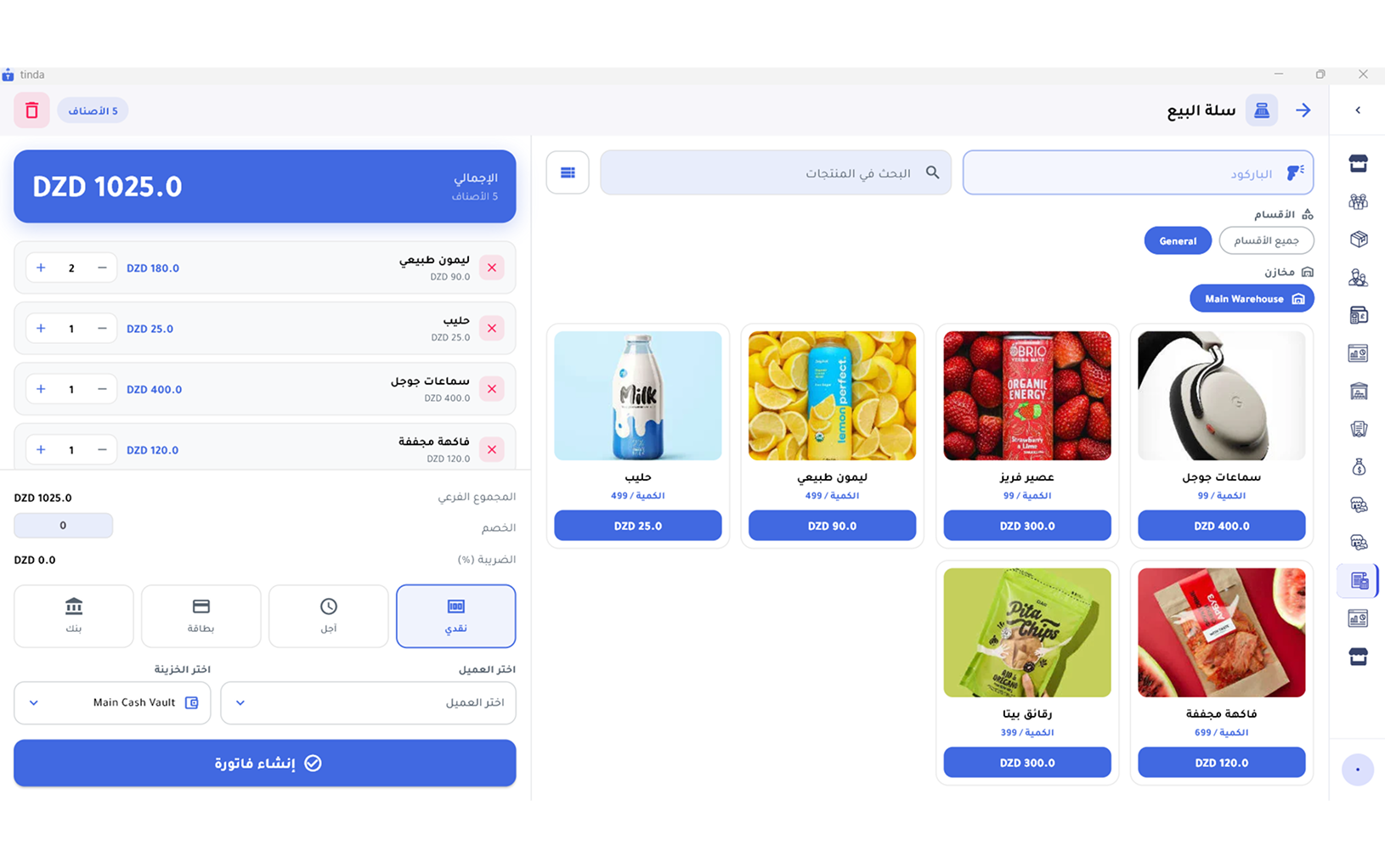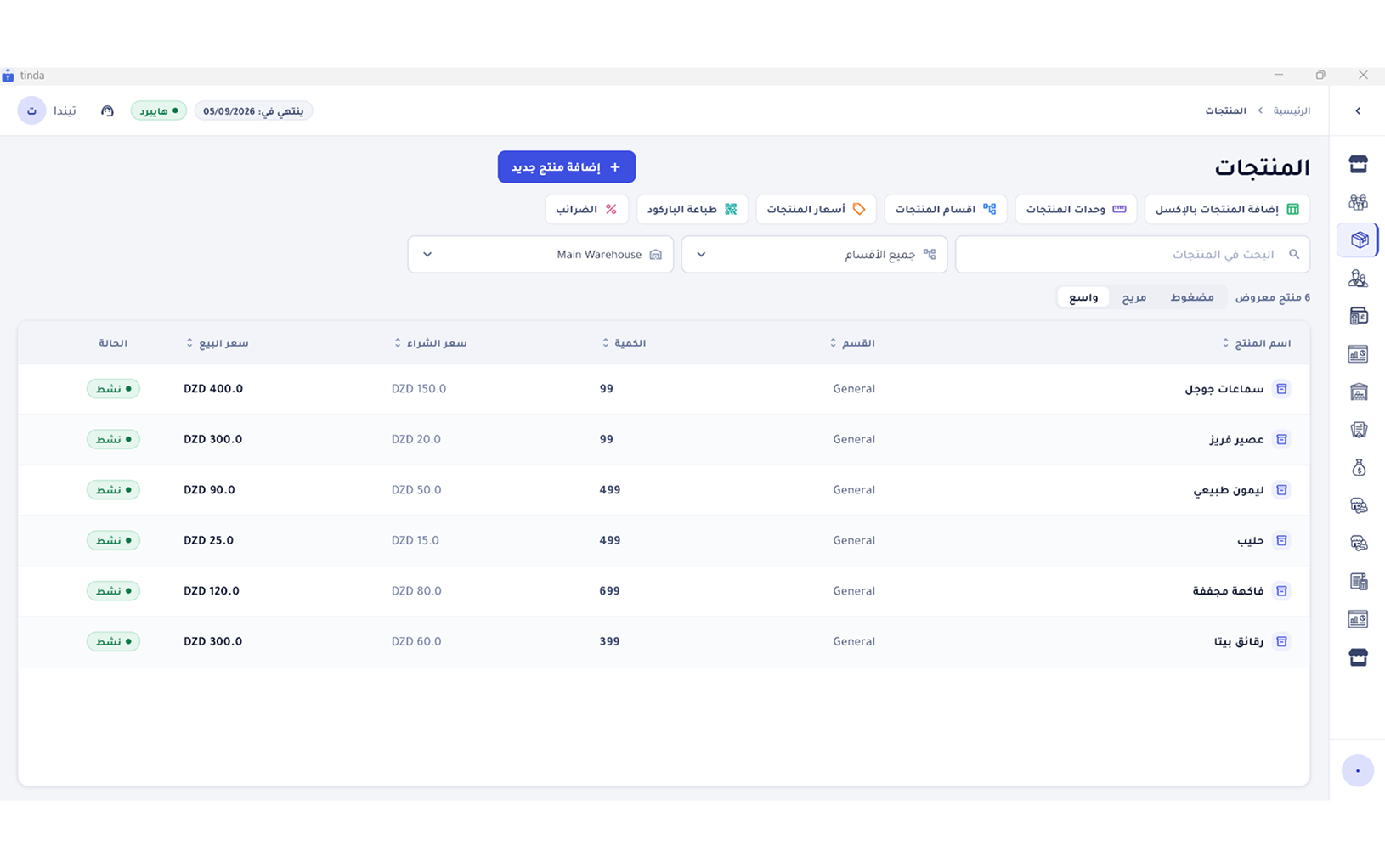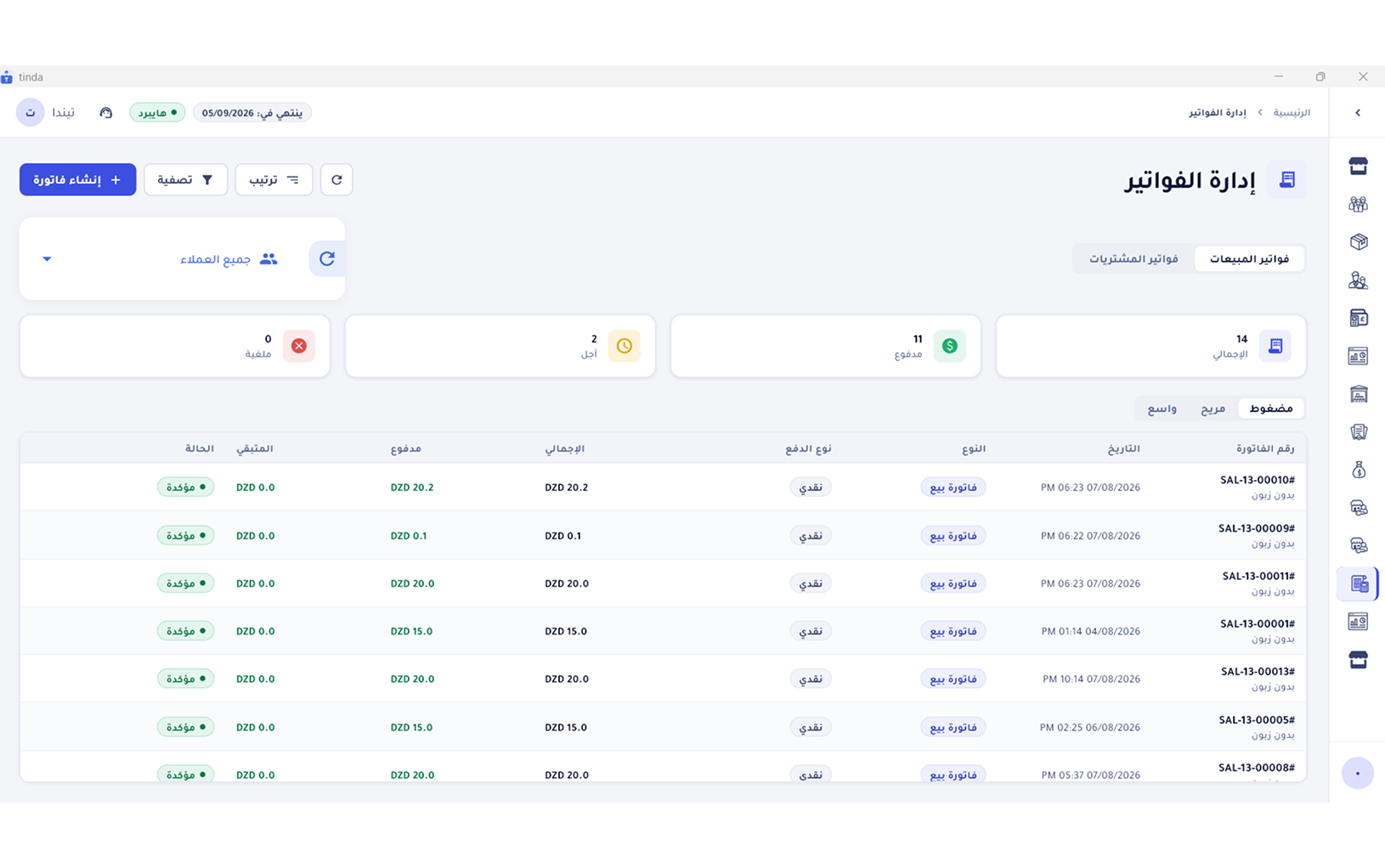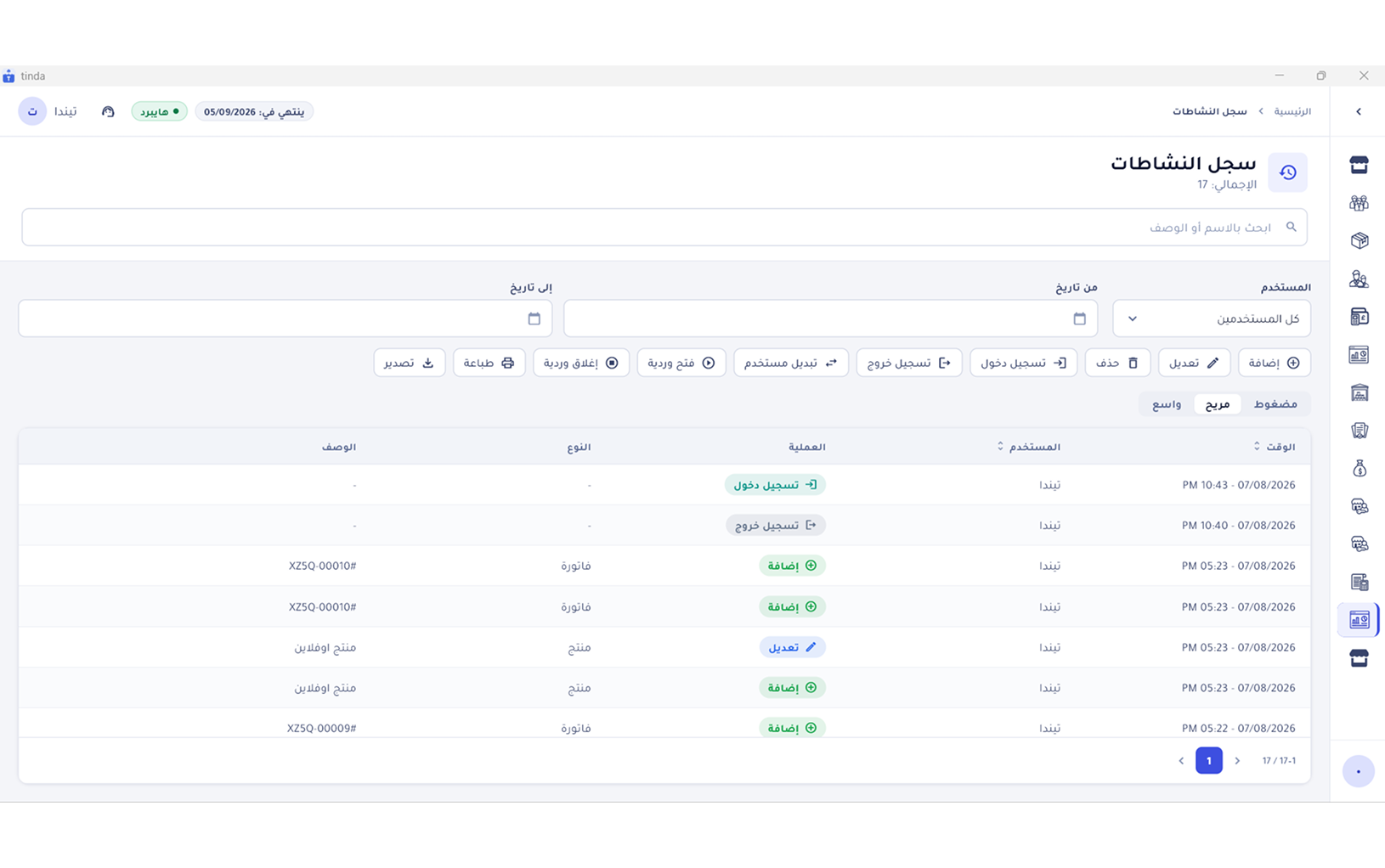
Every screen reads from your device
No spinners, no “connection failed” message. The data is already local, so screens open instantly no matter how much of it you have.
Tinda is a complete point-of-sale and inventory app, built offline-first from day one. Ring up sales, print receipts and track balances with the connection completely down — and the moment it comes back, everything syncs on its own. Nothing for you to press.
Opens straight in your browser — nothing to install, no card required.
Available on Android, iOS and Windows · English, Arabic and French built in
Works offline
Platforms supported
Built-in languages
Sync the moment you reconnect
Most POS apps freeze the moment the network drops. Tinda is offline-first: a full database lives on your device and is the source of truth for every screen, while the server catches up in the background.
No spinners, no “connection failed” message. The data is already local, so screens open instantly no matter how much of it you have.
Invoices, vouchers and product edits are written the moment you confirm them, then held in a durable queue that never drops an operation.
The moment you reconnect, the queue uploads to the server in the right order — plus a sync that keeps running in the background.
A copy on your device, a copy on the server, and automatic Google Drive backups you can restore at any time.
A two-way sync loop that runs in the background, with nothing for you to manage.
A full database
Keeps every operation
Shared copy
Ring up an invoice or edit a product — it is written to the local database immediately and shows on screen.
The operation goes into a durable queue on your device that survives closing the app or restarting the machine.
As soon as a connection is available the queue uploads in order, retrying by itself if anything fails.
In return the app pulls only what changed since the last sync, so edits from other devices reach you fast and on very little data.
From the first barcode scan to the end-of-month profit report — all in one app.
Pass a scale label under the scanner and Tinda recognizes the item from the code, takes the weight out of the same digits, and adds the line at your own price per kilo. Nobody types a number.
FIIIIIWWWWWWC Marks the code as printed by a scale, not by a manufacturer.
The number you programmed into the scale for this product.
Six digits divided by 1,000 → 1.250 kg.
How the scanner confirms it read the label correctly.
Describe every scale you run: its prefix, where the item code and the weight sit, and what to divide by. Tinda then reads all of your labels — the ones carrying a weight and the ones carrying a computed price.
The manufacturer’s code, your supplier’s code and the one on the outer case can all point at the same product, and a code can belong to one specific selling unit. No code is ever allowed on two products, so a scan can only mean one thing.
Quantities carry three decimals, so 1.250 kg is exactly what leaves your stock — not a rounded kilo that quietly drains the balance.
Anything that comes in unlabeled gets a barcode of your own, so it scans at the register like everything else.
The weight that was scanned and the label’s own number are kept on the invoice line, ready for the review — or the argument — a week later.
Scale formats and barcodes live on the device itself, so scanning and selling never wait for the internet.
From your phone camera, from a scanner plugged into the desktop, or from your phone acting as a wireless scanner.
Pair your phone with the desktop app over your local Wi-Fi and scan barcodes straight into it — no scanner to buy, no cables to run.
Turn any spare device into a price-check station: the customer scans an item and sees the name and price themselves, taking pressure off the register.
Chat directly with the support team, open a ticket and follow its status until it is resolved, and read help articles and FAQs — all without leaving the app.
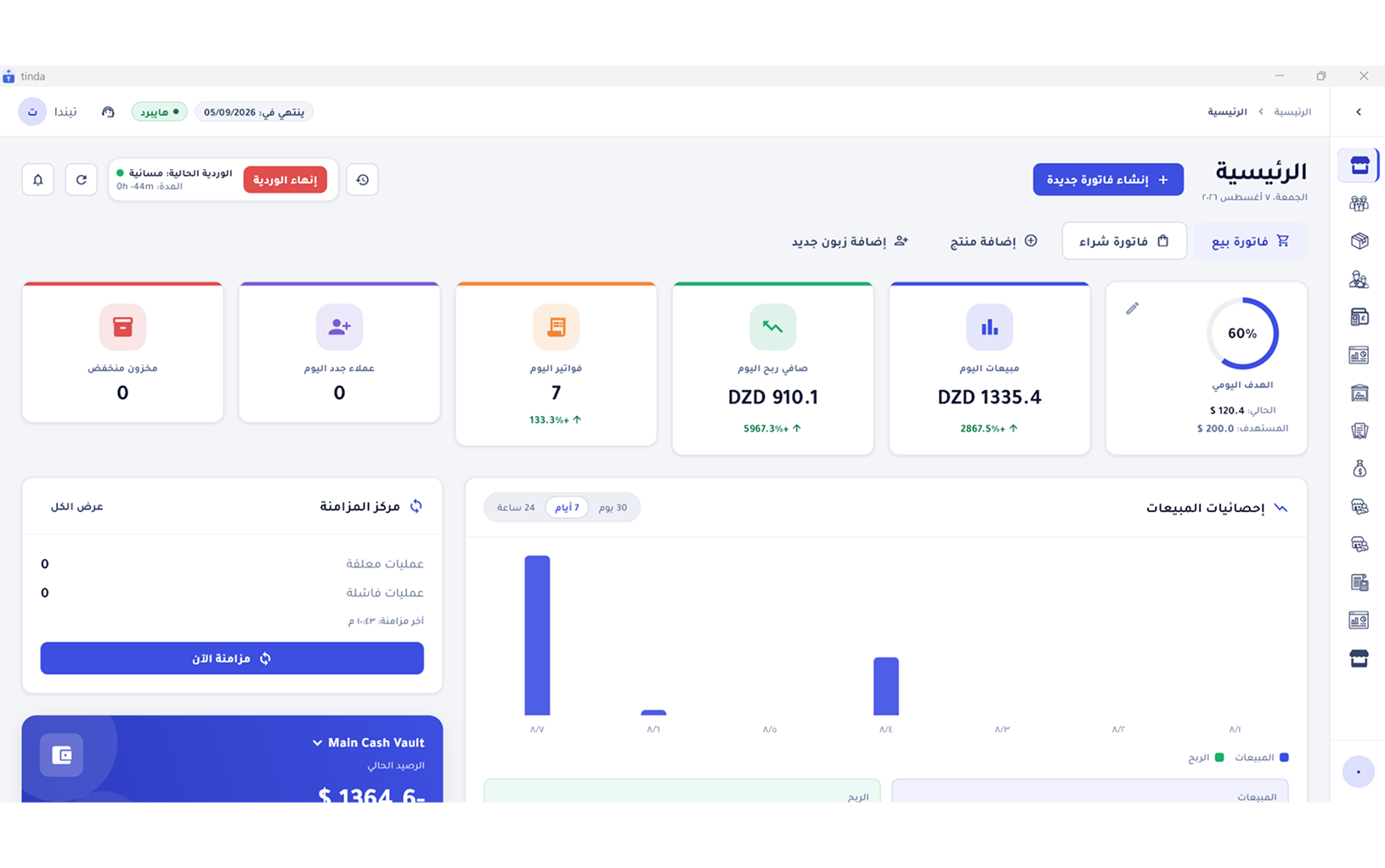
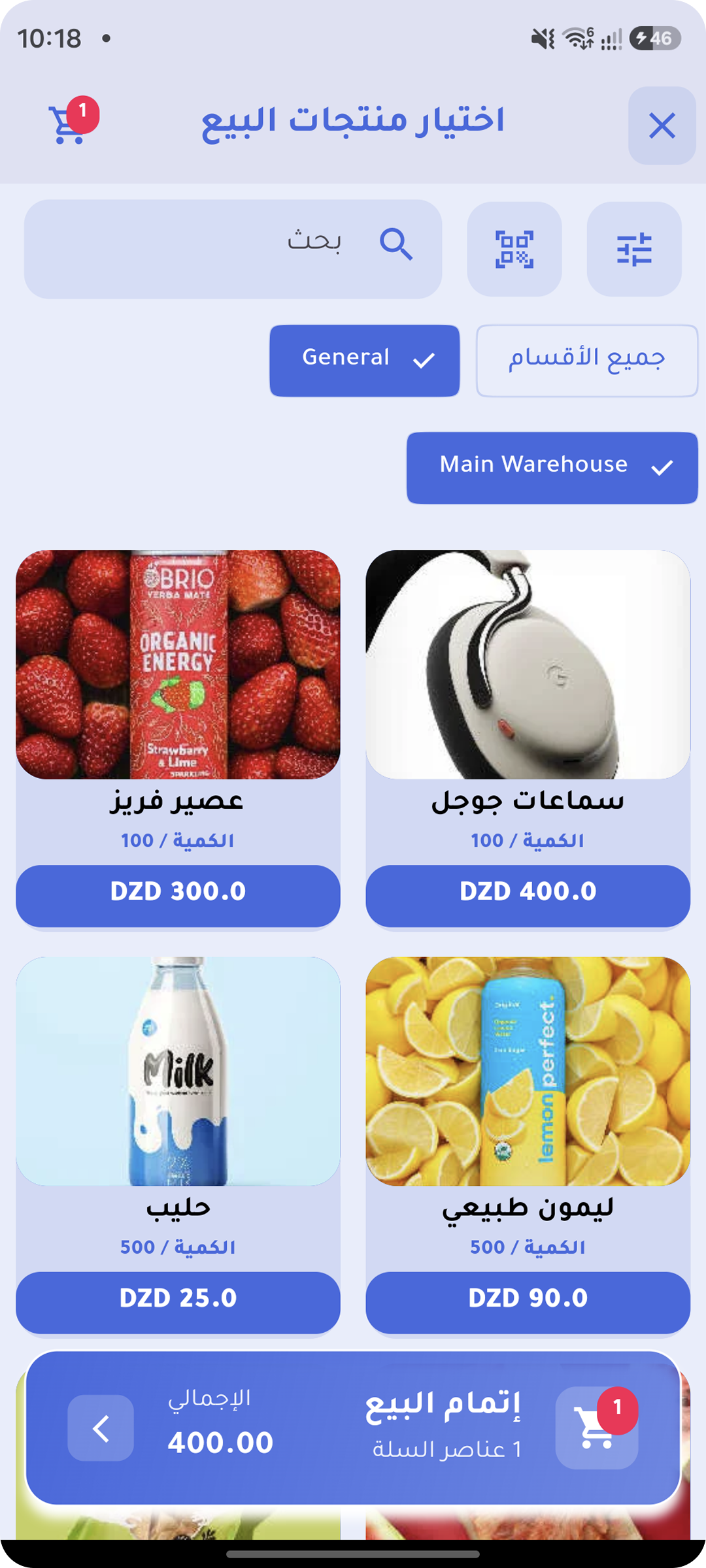
The same system on phone and desktop, laid out to suit each screen.
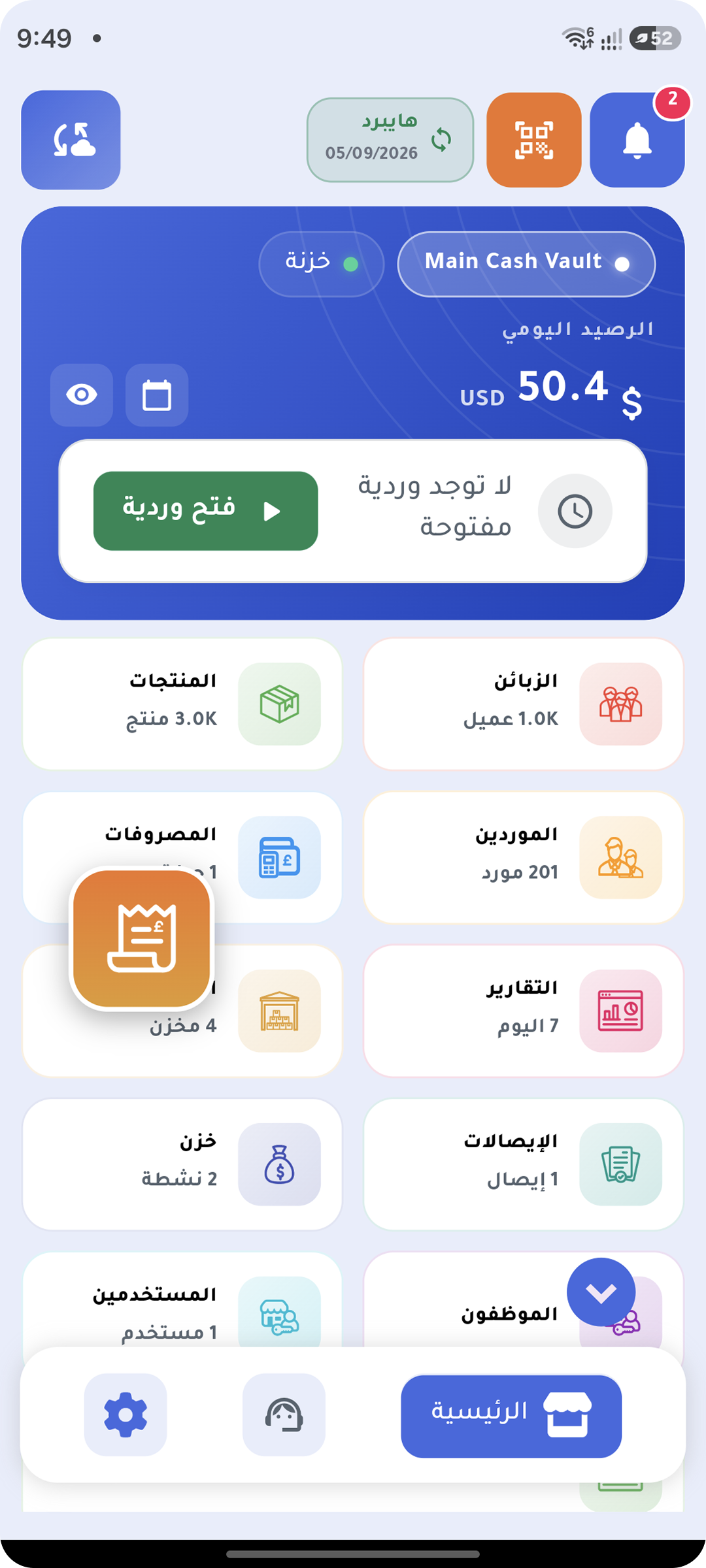
Dashboard
Checkout
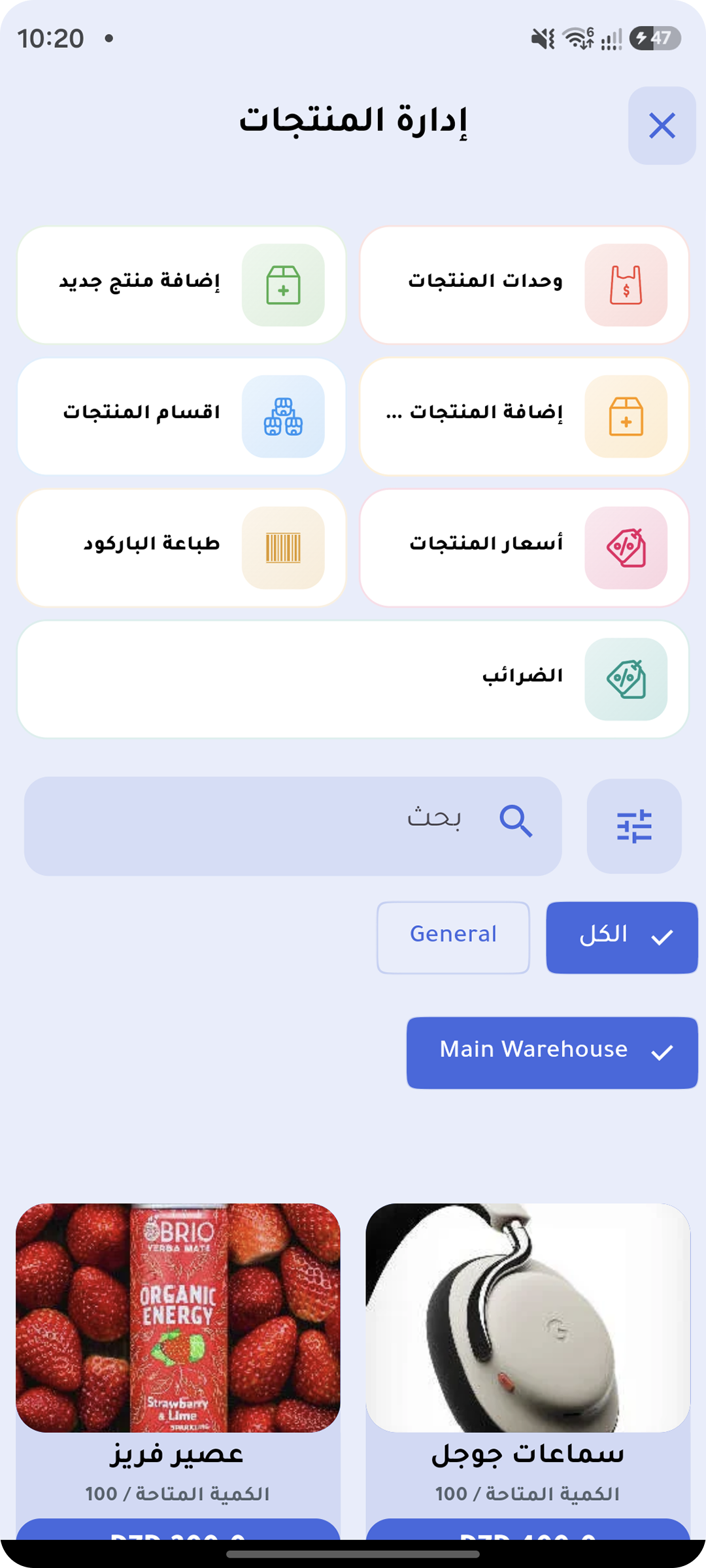
Products
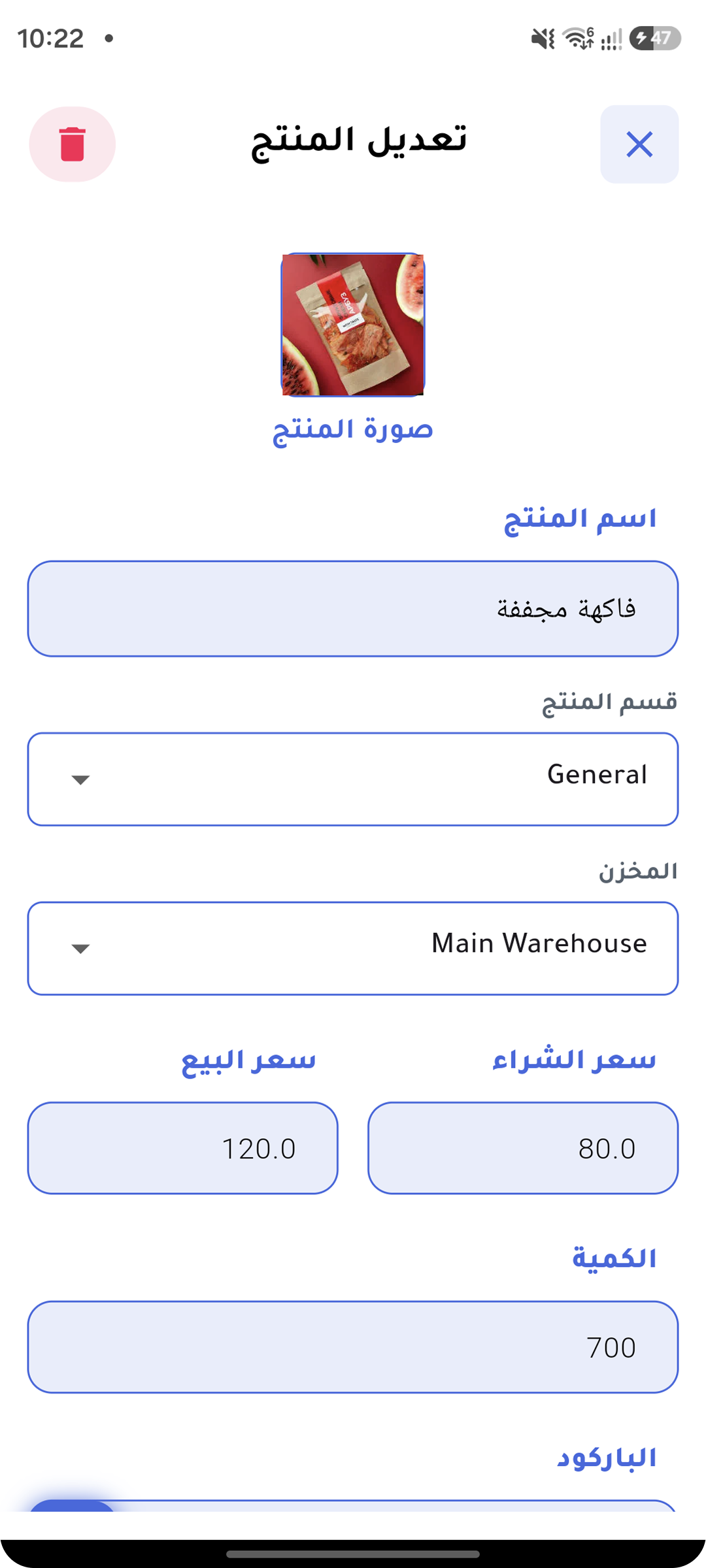
Add a product
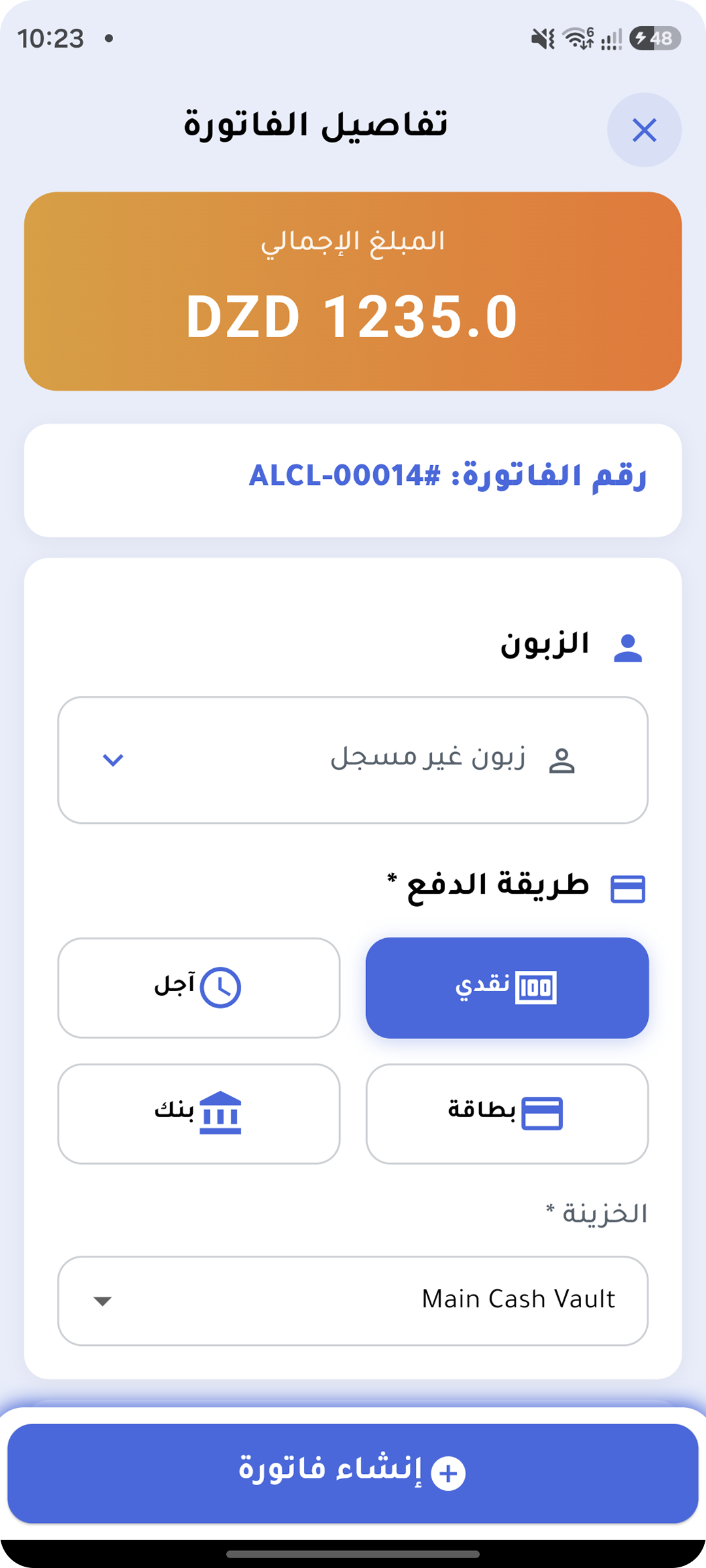
Invoice
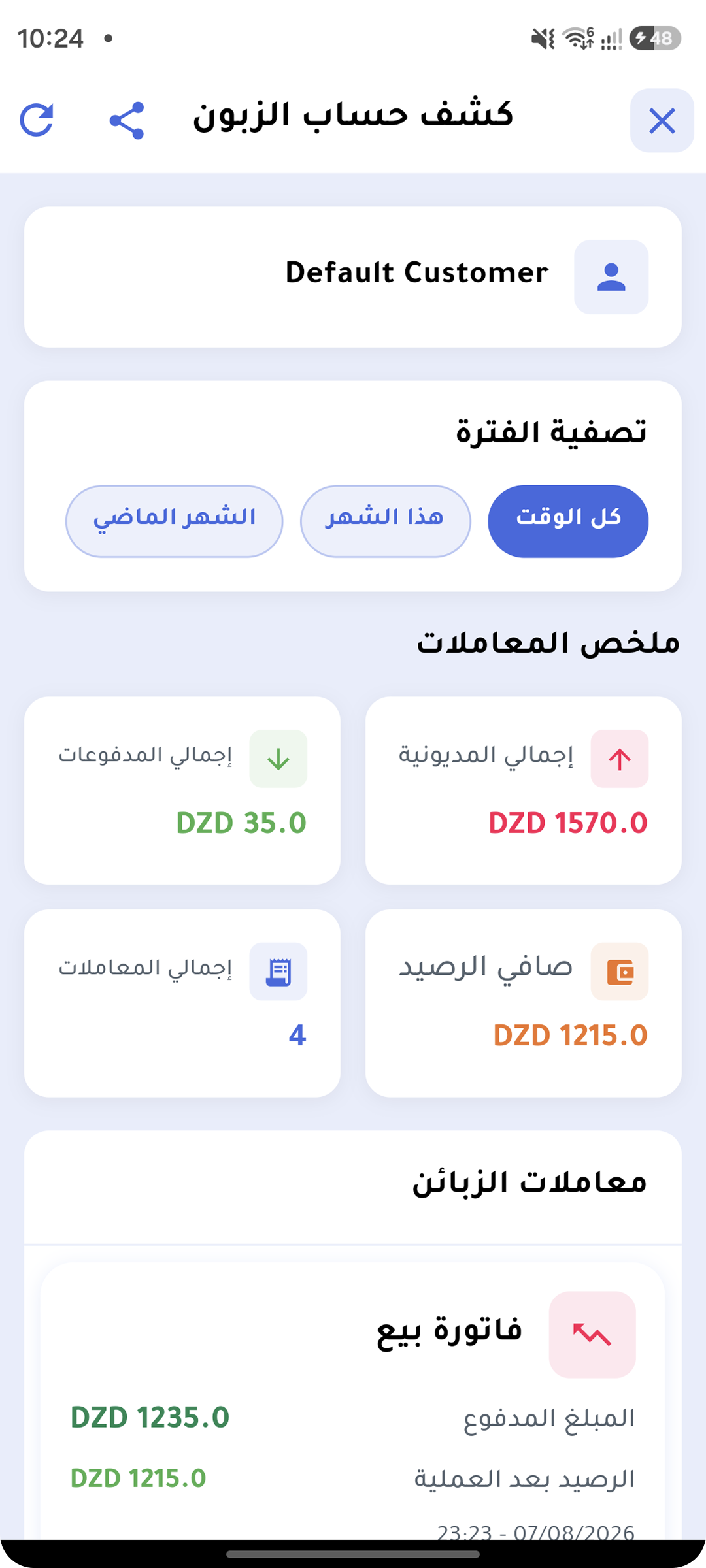
Customer statement
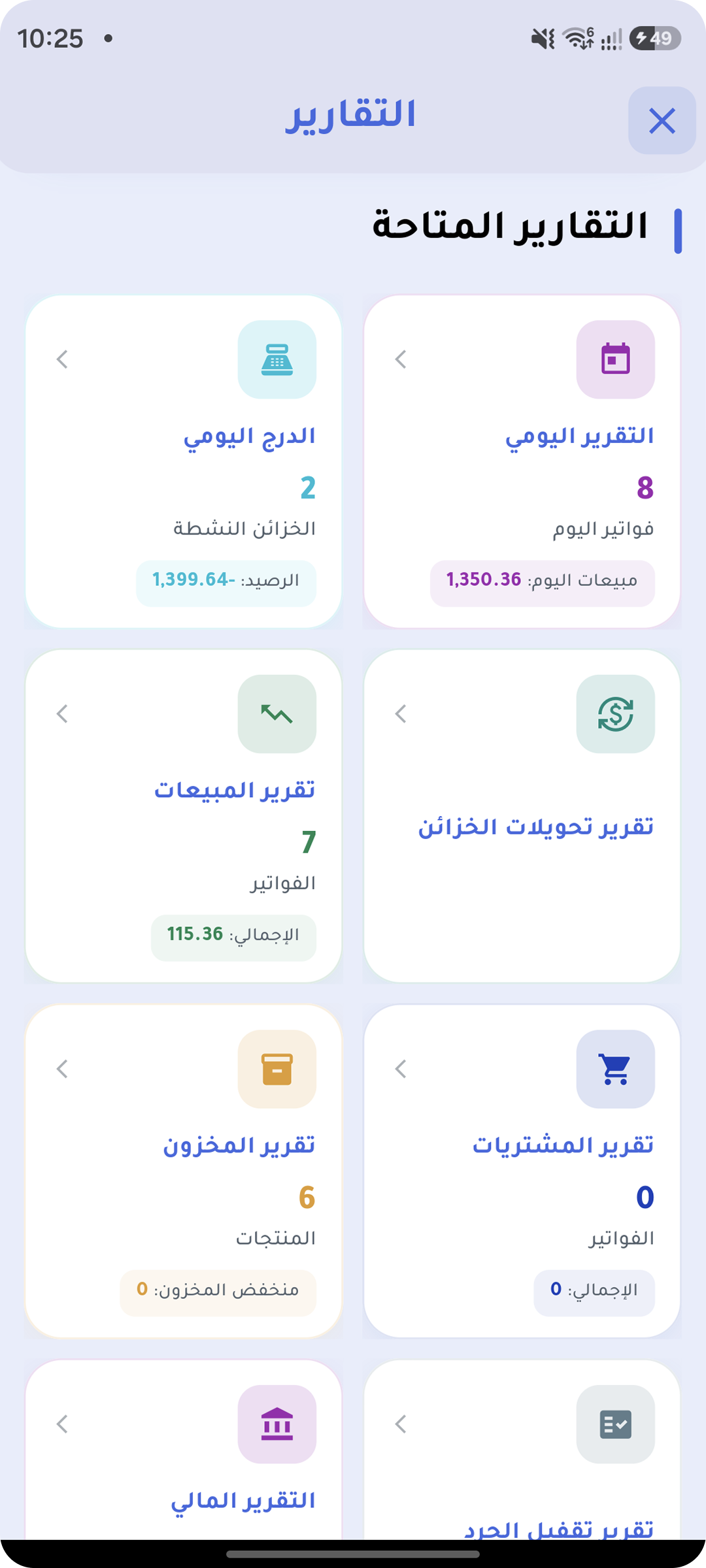
Reports
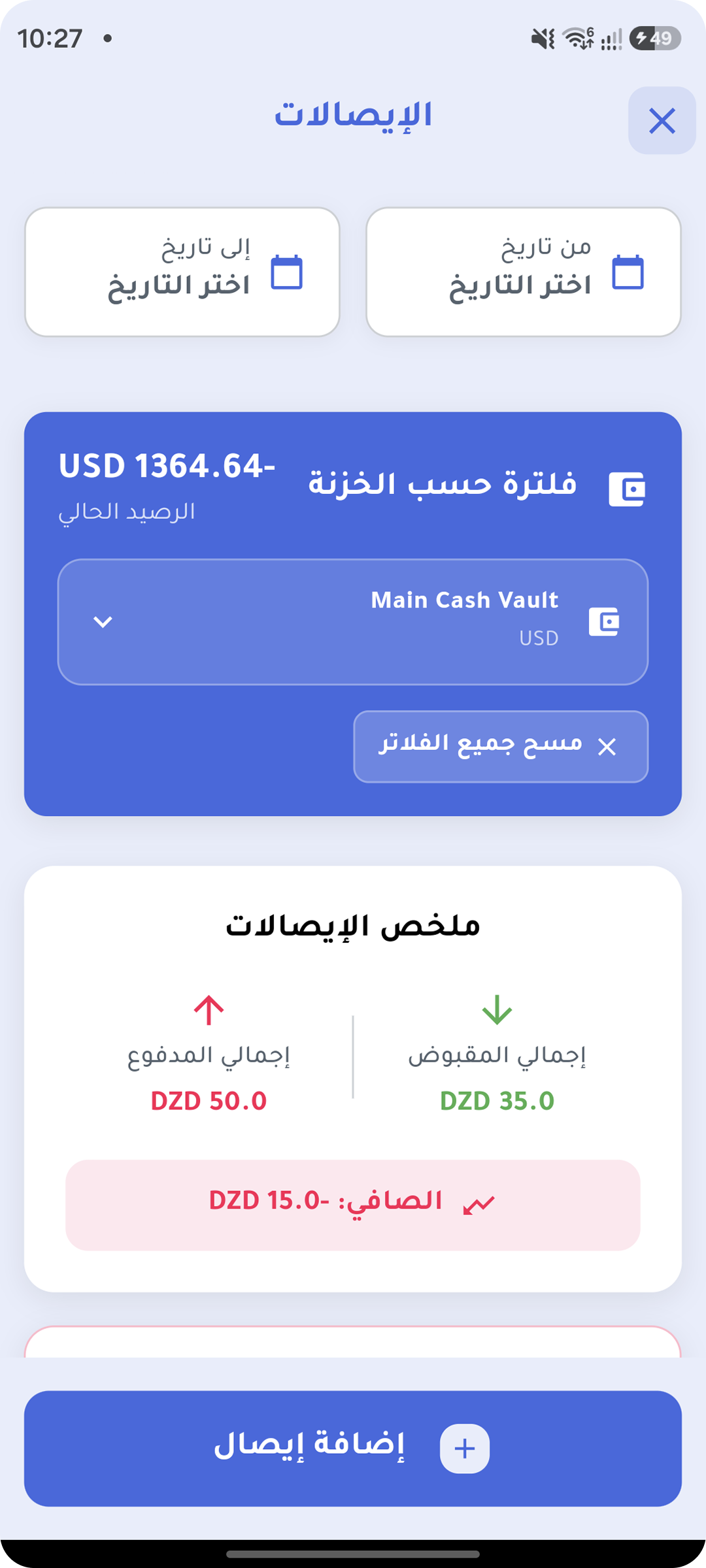
Cash & vouchers
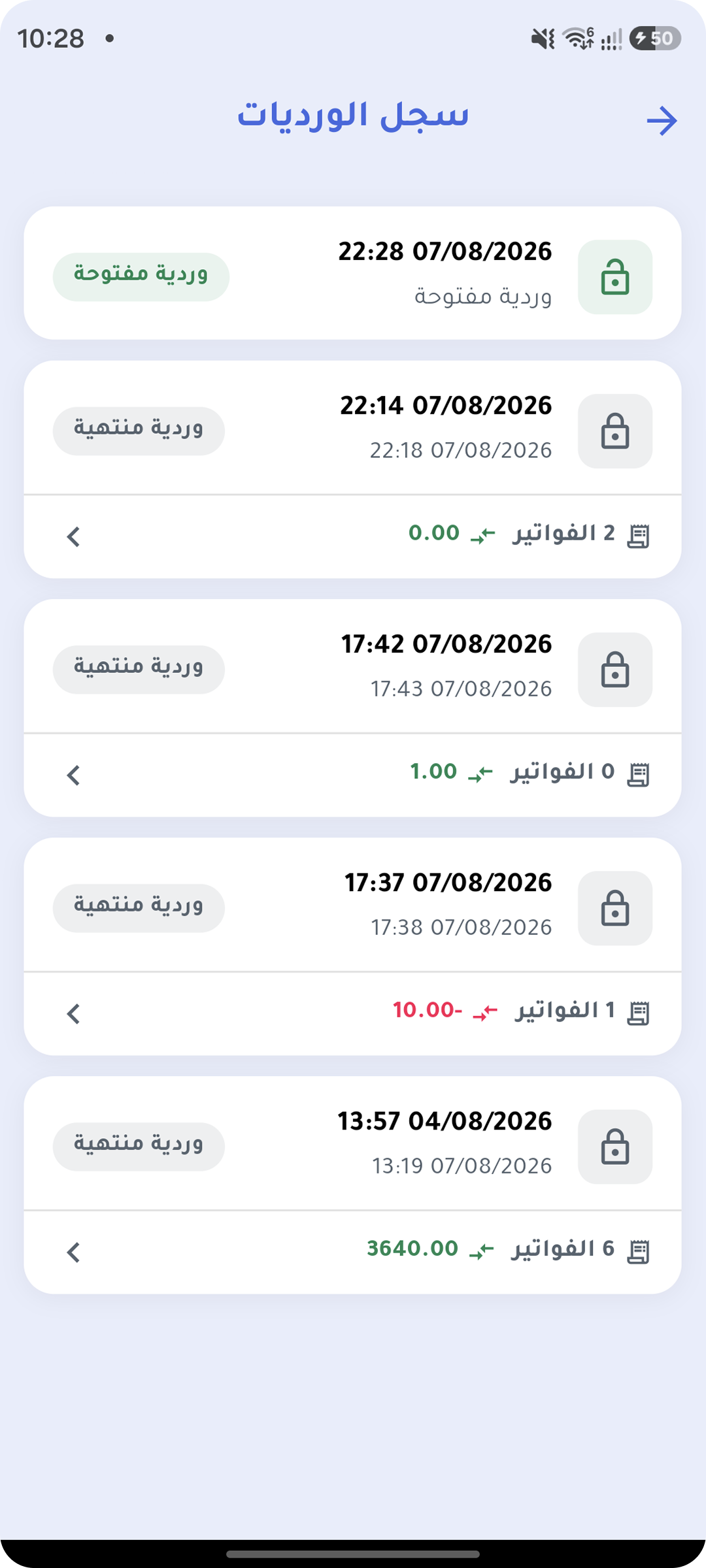
Shift
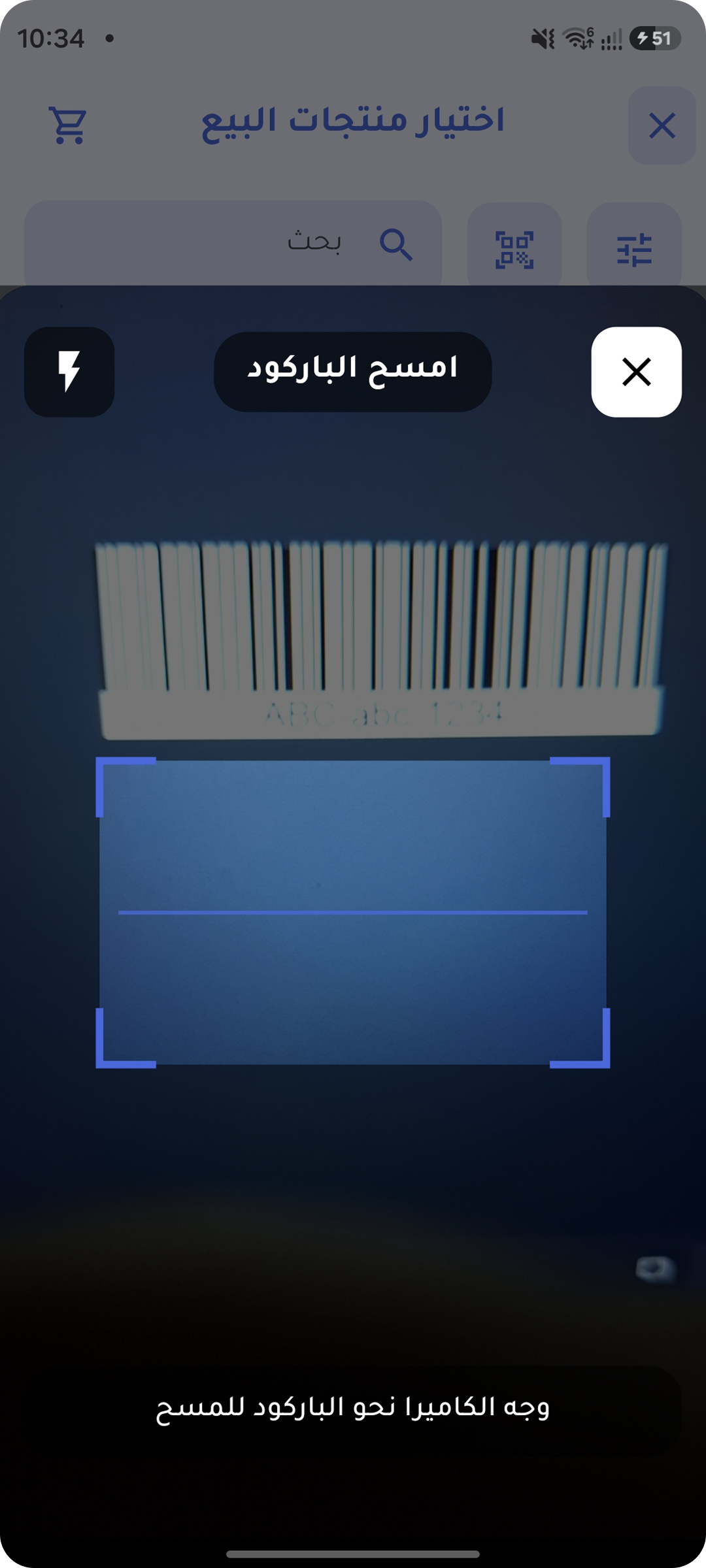
Barcode scanning
Start an invoice on the desktop and finish it on your phone — the same data everywhere.
Talk to us for a price — we help you pick the right plan instead of selling you more than you need.
Small stores running a single register
Growing stores and small teams
Businesses running several locations
Yes, completely. The database lives on your device and is the source of truth for every screen, so you can sell, print invoices, edit products and track stock with no connection at all. Internet is only needed to sync with your other devices, and that happens automatically once you reconnect.
Yes. Each device uploads its own operations and pulls what changed elsewhere, so edits made by your team reach everyone. Syncing runs the moment the connection returns, and periodically in the background.
An encrypted local copy inside the protected app folder on your device, plus a copy on the server. You can also back up to your own Google Drive account and restore whenever you want. Access is protected by fingerprint or passcode, and you decide which devices are allowed to sign in.
Yes, and that is the most common setup: the desktop at the register, and the phone for stock counts, follow-up, or even as a wireless barcode scanner for that same desktop.
Yes, it prints sales receipts on thermal printers, and you can customize the receipt layout with your store details.
Yes. Quantities accept decimals, so you can sell half a kilo of coffee or 1.25 meters of fabric exactly, with no rounding that quietly drains your stock.
Yes. Describe your scale once — its prefix, where the item code and the weight sit inside the number, and the divisor — and from then on Tinda reads every label it prints: it identifies the product, takes the weight out of the code, and prices the line from your own price per kilo. Several scales with different formats can run in the same store, and labels carrying a computed price instead of a weight work too.
All the ones stores actually use: EAN-13, EAN-8, UPC-A, UPC-E, Code 128, Code 39, Code 93, Codabar and ITF, plus the 2D codes — QR Code, Data Matrix, PDF417 and Aztec — read from the phone camera or from a scanner plugged into the desktop. A single product can also carry several barcodes: the manufacturer’s, your supplier’s, and the one on the outer case.
Yes, you can create several warehouses and track each product balance per warehouse, with reports that break movement down by location.
Sign in with your account on the new device and your data is pulled from the server automatically. If Google Drive backups are on, you can restore straight from there.
Install it on your phone or on the store computer — we walk you through the setup step by step.
Opens straight in your browser — nothing to install, no card required.
Got a question before you start? Our support team will answer.
Chat with us on WhatsApp